AI for Small Landlords: Less Admin, More Room to Grow
By Claire Navarro -
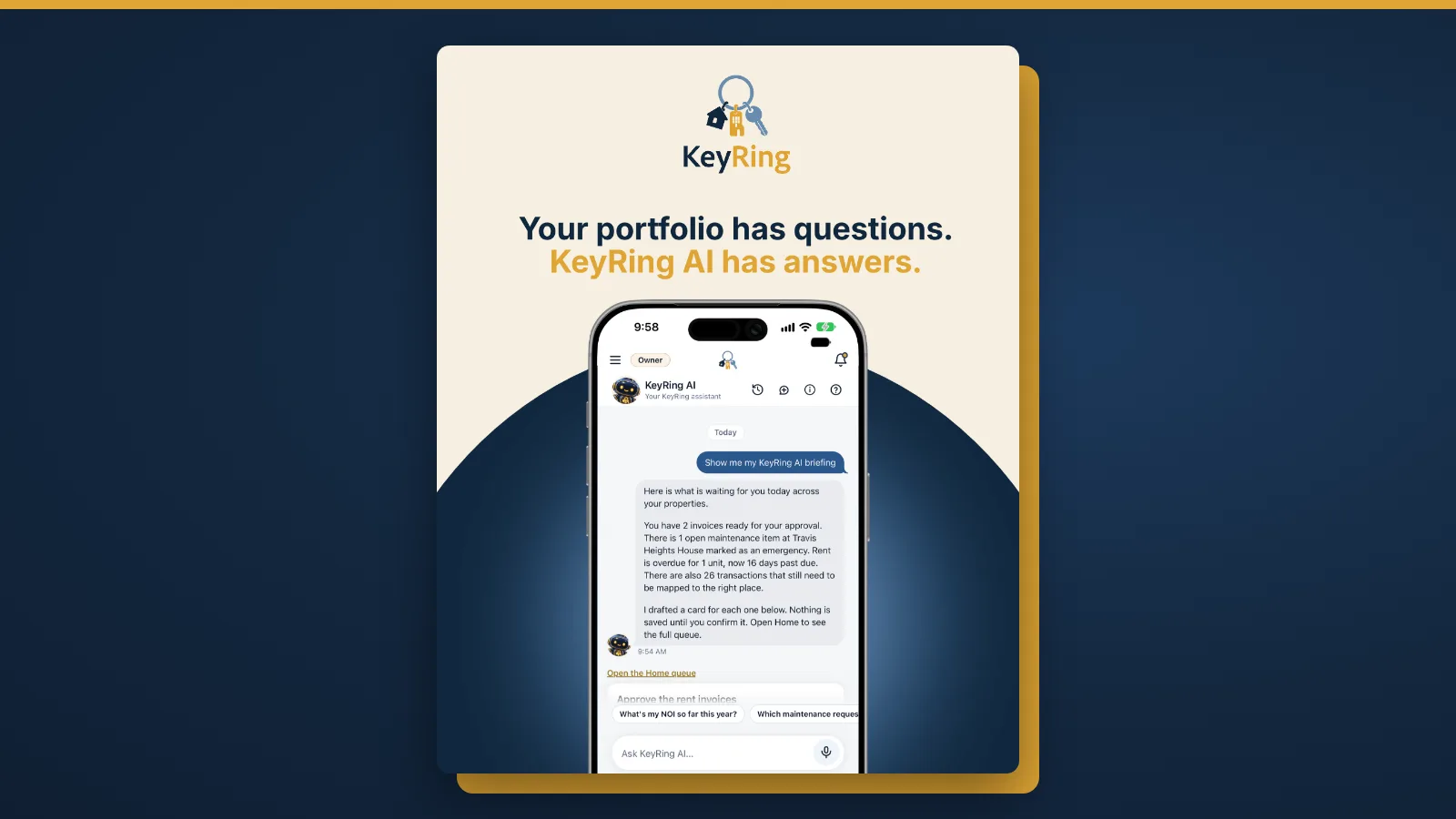
If you own a handful of rental units, the rentals may not be your only job, and the work around them often gets done in the evenings. AI for small landlords is useful when it makes that work easier to keep up with: organized information that is easier to reach, and routine changes that are easier to prepare.
AI can support a growing rental business. It does not guarantee that any property will be profitable, and it does not replace your judgment. This guide covers where AI fits, what KeyRing AI can do today and what stays your job.
What another rental adds to your week
Each new property brings its own lease and tenants, a rent schedule, a security deposit, insurance, repairs, receipts and dates to watch. Each is manageable alone. The admin comes from keeping all of them current across every property, and from finding the right detail when someone asks.
So the real question behind managing multiple rental properties is where the information lives, and how quickly you can reach it.
From searching files to asking questions
It helps to separate ordinary software features from AI capabilities. Ordinary software keeps your records organized. In KeyRing, leases, tenants, documents, maintenance requests, and income and expenses sit with the property they belong to. A calendar shows lease starts and ends, rent due dates and maintenance visits, and KeyRing sends the tenant and the owner an email and a push notification 30 days before a lease ends. These are standard software features, and they give AI something organized to work from.
AI property management adds a different way in. With KeyRing AI, you ask a question in your own words, typed or spoken, and it answers from the records in your account that your role can see. It can also prepare a few kinds of changes as a card for you to review. The KeyRing AI page has the details.
What KeyRing AI can help with
Practical examples of what you can ask or prepare today:
- Checking outstanding rent. Ask "What rent is still due this month?" and the answer comes from the rent recorded in your account.
- Upcoming lease expirations. Ask "Which leases end in the next 60 days?" to see which renewals to plan for.
- Recorded repair expenses. Ask "What did we spend on repairs at this property this year?" to total the repair expenses you have recorded.
- Preparing a maintenance request. Describe the problem and the property, and KeyRing AI fills in the request as a card. It is saved only when you tap Confirm.
- Preparing a calendar event. Ask for an inspection, a showing or a reminder, and KeyRing AI drafts the event as a card for you to confirm.
Example: a weekly portfolio review
This is a hypothetical example to show how the pieces fit together. It is not a customer story.
An owner with three units sets aside Sunday evening. She asks KeyRing AI what rent is still due this month, then opens the tenant's record to look at the one open balance. She asks which leases end in the next 60 days and notes a tenant to contact about renewing, a decision she makes herself. A tenant mentioned a sticking door, so she asks KeyRing AI to prepare a maintenance request, checks that the card names the right property and taps Confirm. Last, she asks for a reminder to test smoke detectors and confirms the date.
Consistent records help you grow
AI answers are only as complete as the records behind them: an expense that never made it into KeyRing cannot show up in an answer. That is why repeatable processes matter as you learn how to scale a rental business: record each payment, keep each lease with its property, log each repair, and categorize expenses the same way every time.
Your role as the owner
AI rental management software works best with an owner who stays involved:
- Keep records current. KeyRing AI draws on the information in your account, so the answers reflect what you have recorded.
- Check the answers. Before you act on a number, look at the record behind it.
- Review proposed changes. Every change KeyRing AI prepares waits on a card for your Confirm, and the AI activity log lists each change it prepared and who confirmed or cancelled it.
KeyRing AI never screens, ranks or compares people, and decisions about applicants, lease endings and evictions stay with you. Its legal, tax and financial answers are general information; for your own situation, ask a qualified professional.
A simple place to start
Start small:
- Add a property. It is the first step in KeyRing, and everything else attaches to it.
- Organize the records. Add the lease, the tenant and recent expenses for that property.
- Try one question. Ask KeyRing AI something you would otherwise look up by hand, and check the answer against the record.
Frequently asked questions
Can AI run my rental properties for me?
No. KeyRing AI answers questions from your records and prepares some changes, such as a maintenance request or a calendar event, for you to review. Nothing is saved until you confirm it, and decisions about your tenants and properties stay with you.
Where does KeyRing AI get its answers?
Questions about your rentals are answered from the records in your account that your role can see. How-to questions are answered from KeyRing's published guides, and questions about rental rules or the market from public sources for the US or New Jersey, which it cites.
Do I need many properties for AI to be useful?
No. You can ask about a single property's records. How useful the answers are depends on how complete and current those records are.
Try it with your own records
The features page shows everything else KeyRing does, from leases and maintenance to reports. See what AI can help you do with your own rental records. Start your 14-day KeyRing trial.
Free calculators and templates
Browse all rental property calculators and free templates.